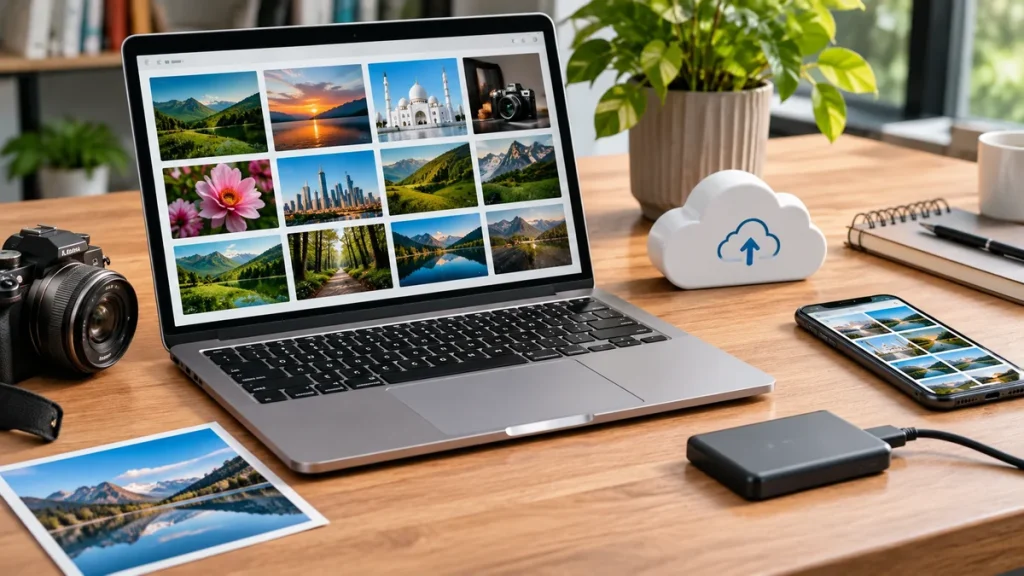
Digital images are part of everyday communication. People use photographs, graphics, and screenshots to share experiences, promote businesses, collaborate on projects, and preserve important memories. However, managing these files can become challenging when images are too large, stored in different locations, or saved in formats that are not suitable for their intended purpose.
A few simple practices can make working with digital images much easier. By choosing appropriate file formats, reducing unnecessary file sizes, organizing folders, and using reliable storage options, you can make images easier to upload, share, and access whenever needed.
Choose the Right Image Format
The format of an image affects its file size, appearance, and compatibility with different platforms. Choosing the right format from the beginning can prevent problems when uploading photographs to websites, attaching files to emails, or sharing visuals with other people.
JPEG is a common choice for photographs because it offers a practical balance between image quality and file size. PNG is often more suitable for graphics that require transparent backgrounds or sharp details, such as logos and interface elements. WebP is another useful option for websites because it can provide smaller files while maintaining good visual quality.
Consider Where the Image Will Be Used
Before saving or exporting an image, think about how it will be used. A photograph intended for a website banner may need different dimensions from an image shared through a messaging application. Similarly, a graphic with transparent elements may require PNG rather than JPEG.
Keeping an original copy of important images is also a good habit. You can then create separate versions for different platforms without repeatedly editing or reducing the quality of the original file.
Reduce Image File Sizes Before Uploading
Large image files can make uploads slower and create difficulties when platforms have file-size restrictions. This is particularly noticeable when working with multiple photographs or sharing images through email services that limit attachment sizes.
Reducing image dimensions and applying suitable compression can make files easier to handle. For example, a photograph taken with a modern smartphone may have a resolution much higher than necessary for a small blog image. Resizing it to match the intended display area can significantly reduce its file size.
Find the Right Balance Between Quality and Compression
Compression removes or reorganizes image data to reduce the amount of storage a file requires. The amount of compression matters because excessive reduction can create visible artifacts, blurry details, or unnatural colors.
For everyday photographs, an online JPG compressor can help reduce file sizes quickly without requiring advanced editing skills. After compression, compare the new image with the original to make sure important details remain clear.
It is especially important to preserve quality when images contain small text, product details, or visual information that viewers need to examine closely. If an image will be used for professional printing or future editing, keep the high-quality original separately.
Make Uploading Images Faster and More Reliable
Uploading images should be a straightforward process, but large files and unstable internet connections can make it frustrating. Preparing images before uploading helps reduce waiting times and lowers the chance of failed transfers.
When uploading several files at once, consider processing them in smaller groups. This makes it easier to identify which file is causing a problem if an upload fails. It also prevents a single large batch from consuming too much bandwidth.
Check the platform’s requirements before uploading. Some websites accept only specific formats, while others impose maximum file sizes or recommended dimensions. Following these guidelines can prevent rejected uploads and avoid the need to repeat the process.
A stable internet connection is equally important. If you regularly upload large collections of photographs, using a reliable connection and avoiding unnecessary background downloads can make transfers more consistent.
Organize Images for Easier Access
As digital collections grow, finding a specific photograph can become difficult. Files saved with generic names such as “IMG_2045” or “Screenshot 12” provide little information about their contents. A simple organization system can save time and prevent important images from getting lost.
Start by creating folders based on categories that reflect how you use your images. Personal photographs might be grouped by year or event, while work-related visuals could be organized by client, project, or campaign.
Use Descriptive File Names
A clear naming system makes individual images easier to identify without opening every file. For example, “2026_Product_Launch_Banner.jpg” is more informative than “Final_Image_3.jpg.”
Try to follow the same naming pattern throughout your collection. Including dates can be particularly helpful when managing event photographs or regularly updated marketing materials. You can also add relevant keywords when they make files easier to find through search.
Remove unnecessary duplicates and outdated versions occasionally. When several copies of the same photograph exist, keep the best version and delete the others after checking that they are no longer needed.
Use Reliable Storage and Sharing Options
Choosing the right storage method is important for keeping images accessible and protected. Cloud storage services make it possible to access files from different devices, while external hard drives provide a separate location for larger collections.
For important photographs, relying on only one storage location is risky. Accidental deletion, hardware failure, or account problems could make files unavailable. Keeping additional copies helps reduce the chance of losing valuable images.
When sharing images, consider who needs access and how they will use the files. A shared cloud folder can be convenient for collaborative projects because multiple people can access the same collection. For a small number of photographs, a direct download link or email attachment may be sufficient.
Pay attention to privacy settings when sharing folders. Make sure access permissions are appropriate and avoid making personal photographs publicly available unless that is your intention.
Build a Simple Image Management Routine
You do not need to reorganize your entire collection every week. A few consistent habits can prevent digital files from becoming difficult to manage.
After importing new photographs, move them into the appropriate folders, rename important files, and remove unwanted screenshots or duplicates. Before sharing images, check their dimensions and file sizes. Finally, back up important files regularly and confirm that the backups can be opened.
These small steps help keep your collection organized without turning image management into a time-consuming task.
Managing digital images is not just about reducing file sizes; it is also about making the most of the photos we save and share. Whether you are organizing personal photographs or preparing pictures for social media, adding meaningful captions can make those images more memorable.
For inspiration, explore these unforgettable memories quotes to find thoughtful words that complement your favorite photographs and special moments.
Conclusion
Making digital images easier to upload, share, and store starts with a few practical decisions. Choose suitable formats, optimize file sizes, organize folders, and maintain reliable backups. By developing these habits, you can spend less time managing files and more time using your images effectively.

Blessing Super is a passionate writer at BlessingSuper.com, dedicated to sharing insightful and engaging content that inspires and informs readers. With a focus on meaningful topics, Saad aims to create value through clear ideas and thoughtful writing.